Explore checkers, demos and evaluation routes →
Summarize this page with
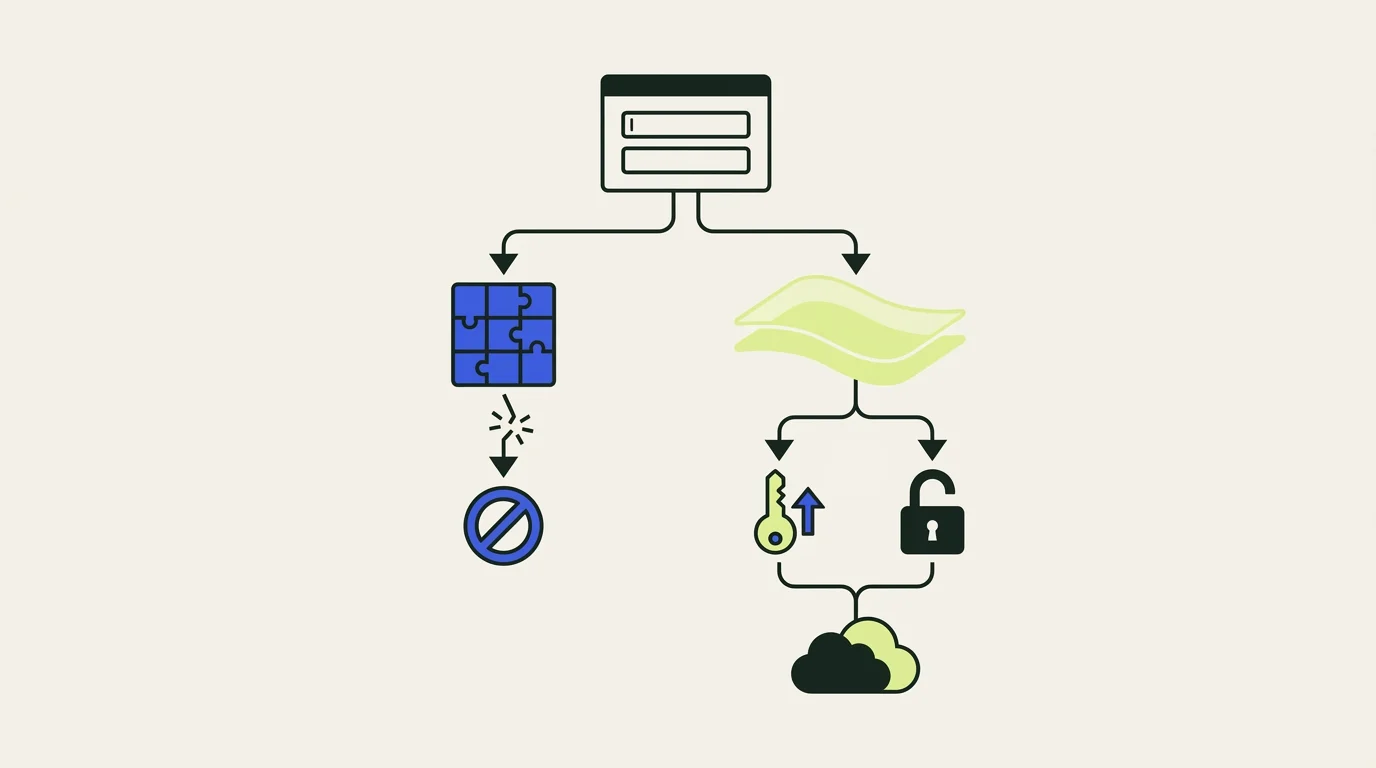
CAPTCHA alternatives for login include passive bot detection, risk-based step-up checks, passkeys, rate limits and verification of the account or action. Choose a combination that addresses the abuse you see. Removing a puzzle should preserve a usable way to distinguish permitted customers from abusive automation.
Visible challenges are not the only form of CAPTCHA deployment. Google's reCAPTCHA documentation describes score-based assessments that can run before your application decides on a response. Compare actual deployment behavior rather than treating every product with a CAPTCHA name as a puzzle shown on every visit.
- 1Observe passively
- 2Verify selectively
- 3Keep a recovery path
What replaces CAPTCHA for login security?
A practical replacement is a layered flow: evaluate the request and device, identify unusual account behavior, and reserve additional verification for the actions that need it. Strong account authentication and bot detection solve related parts of the problem.
Passkeys can improve authentication, but they do not decide whether an automated client is abusing registration or content access. Email verification can confirm access to an inbox, but a farm can control many inboxes. Rate limits constrain volume, but need identity and route context when clients rotate addresses.
| Option | Useful for | Main evaluation question |
|---|---|---|
| Passive browser and device checks | Detecting automation without a visible puzzle | What evidence and result are available to the backend? |
| Score-based assessments | Applying selective controls to a specific action | How do scores behave on known legitimate users? |
| Email or stronger authentication | Confirming account control when risk increases | Can permitted users complete recovery reliably? |
| Passkeys | Strong authentication with less password friction | How will enrollment, recovery and shared devices work? |
| Rate and resource limits | Controlling repeated attempts and costly actions | Which identity or account does each limit apply to? |
| Invisible client challenges | Validating a browser or client environment | What happens to unsupported browsers and accessibility tools? |
Compare products by their actual user experience
Several products can protect a login flow with limited visible interaction, but their integrations and outputs differ. Inspect the intended key type, selected plan and fallback behavior rather than comparing marketing labels.
ShieldLabs uses passive browser evidence with identification and risk results, and includes account-level abuse detection. Kasada describes invisible challenges, client validation and server-side detection. Cloudflare Turnstile provides a separate visitor-verification product with its own plans. reCAPTCHA supports score-based assessments, while challenge-oriented options can still have a role on selected high-risk actions.
The meaningful question is whether a legitimate user can finish the action, and whether the detection and response reduce the abuse you defined. A zero-puzzle interface is helpful only if the rest of the flow works.
Preserve recovery and accessibility
Treat the fallback path as part of the protection design. If a customer cannot pass a check, they need a recovery route that does not create an easy alternative for abuse.
Test keyboard-only navigation, assistive technology, privacy browsers, corporate networks and slow connections. Measure challenge frequency separately from completion. A challenge displayed to five customers and completed by three has a different operational effect from one displayed to a much larger group with a high completion rate.
For login, recovery can use an existing trusted session or a stronger account-verification path. For signup, consider verification and restricted initial privileges while you collect more evidence. Confirm what the application should do if the detection provider times out.
Run an endpoint-level migration
List every protected action before replacing an existing widget. Login, password recovery, signup and an expensive API operation may need different controls.
- Record the current integration, token verification and response behavior.
- Add the candidate's server-verified result to a monitored flow.
- Compare detection with confirmed customer and abuse outcomes.
- Test fallback behavior for missing signals, network failures and repeat attempts.
- Move one endpoint at a time and keep a rollback path.
Avoid accepting a browser-supplied success flag as the final result. Use the provider's documented backend verification or retrieval mechanism. A protected front-end form is incomplete if its underlying endpoint accepts unverified submissions.
Compare costs using the protected action
The price of a CAPTCHA alternative can be based on an assessment, identification or edge request. These units describe different work, so compare the event volume your deployment will actually generate.
ShieldLabs offers 5,000 free identifications and published paid allowances. Google's billing guide documents a monthly free assessment allowance and usage-based paid tiers. A managed protection quote may count a wider set of requests, including allowed traffic.
Include integration time, support and the cost of legitimate users failing a check. The free-tool guide separates free feature access from trial access and paid-volume assumptions.
FAQ
Are there frictionless CAPTCHA alternatives?
Passive detection and invisible verification can reduce routine user interaction. Evaluate the actual fallback and step-up behavior; a product can be invisible on most visits and still need a recovery path on others.
Can I replace CAPTCHA with rate limiting alone?
Rate limiting helps control repeated activity, but the design depends on which account, identity or resource it limits. IP-only limits can affect shared networks and can be avoided by distributed clients. Combine limits with the evidence required for the action.
Does CAPTCHA-free mean collecting no browser data?
No. A passive integration can collect browser, device or network evidence without displaying a puzzle. Review the provider's data collection, retention and integration requirements separately from its visual interaction model.
Sources
- Google: interpreting reCAPTCHA assessments
- Google: reCAPTCHA billing
- Cloudflare Turnstile plans
- Kasada Bot Defense
- ShieldLabs bot detection
Continue reading
- How to detect bot traffic on your website
- How to detect AI bots and browser agents
- How to verify good bots without trusting the user agent
Compare all ten tools or read the complete deployment guide.